
Backups
Backups in Wehi are compatible between different versions of the app.
How to create a backup
- Go to .
- Select Create data backup and choose a location to save it.
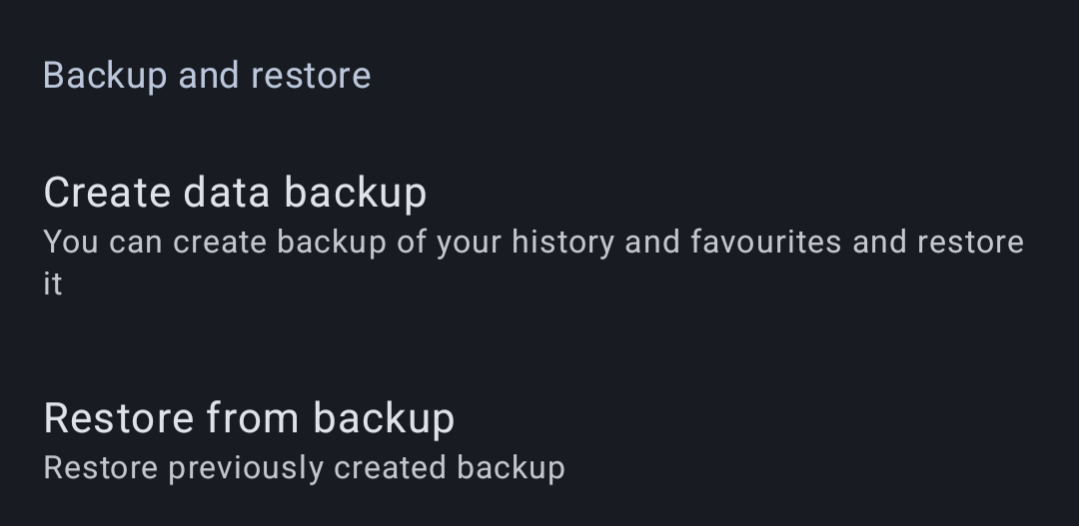
General backup details
What's included in a backup?
- Reading history
- Favourites
- Categories of favourites
- Bookmarks
- App settings
What's not included in a backup?
- Downloaded chapters
Restoring a backup
Restoring a backup can be done through the Restore from backup setting.
Suggestions for backups
Enabling automatic backups
It is highly recommended to enable automatic backups to ensure you can recover in case of any issues.
How to enable automatic backups
- Go to .
- Set a backup creation frequency to schedule automatic backups. This way, you can recover from catastrophic failures.